

Links are not enough
A buyer wants proof: samples, case work, credentials, reviews, services, and a next step.
Free profile builder for people and businesses
Create a polished profile that brings together your portfolio, sample work, certifications, services, social links, and booking link. Share one URL anywhere. When people like what they see, they can schedule a meeting with you.
Built for creators, consultants, freelancers, professionals, local businesses, educators, agencies, founders, vendors, and service teams.
The problem
Most people share a social profile, a resume, a website, a Google Drive link, and a calendar link separately. LinqHive turns those scattered proof points into one clean profile that helps people trust you faster.
A buyer wants proof: samples, case work, credentials, reviews, services, and a next step.
Your profile should answer: who are you, what can you do, where is the proof, and how do I contact you?
If someone likes your work, make it easy to book, message, buy, follow, or request more information.
Proof-first profile
Use LinqHive as your living proof page. Add your best work and make every profile feel credible, organized, and ready to share.
Mobile app developer | CRM consultant | Photographer | Coach | Designer | Agency
View portfolioSee certificationsSample project: Client dashboardBook a meetingWho it converts for
Resume, certifications, LinkedIn, calendar, and proof of capability in one page.
Portfolio, reels, products, sponsorship kit, social links, and booking CTA.
Services, brochures, testimonials, maps, contact, offers, and appointment scheduling.
Case studies, packages, proposal samples, contact form, and strategy-call link.
Use real LinqHive visuals
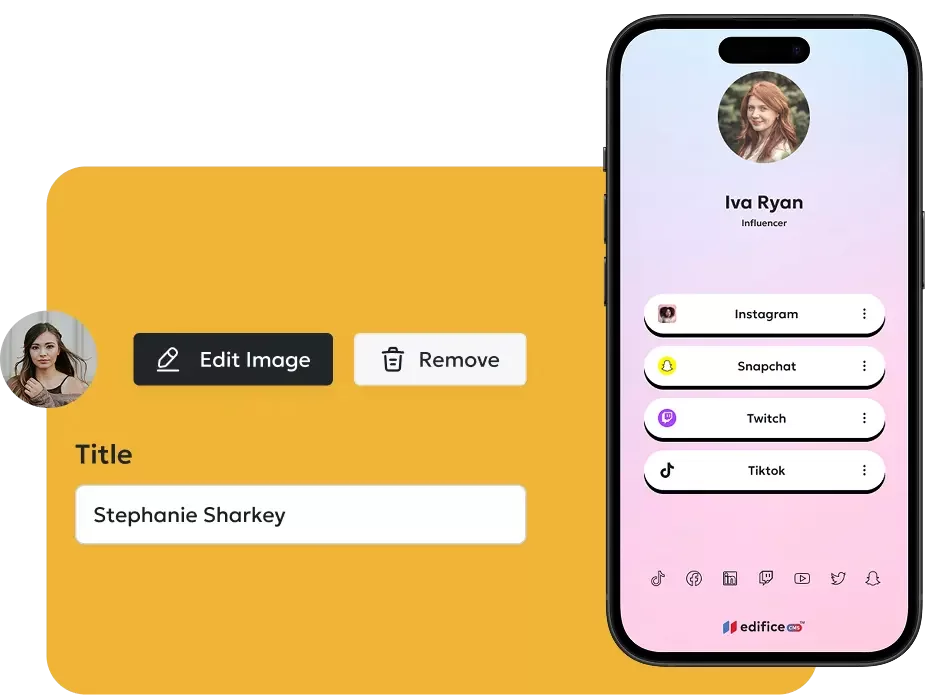
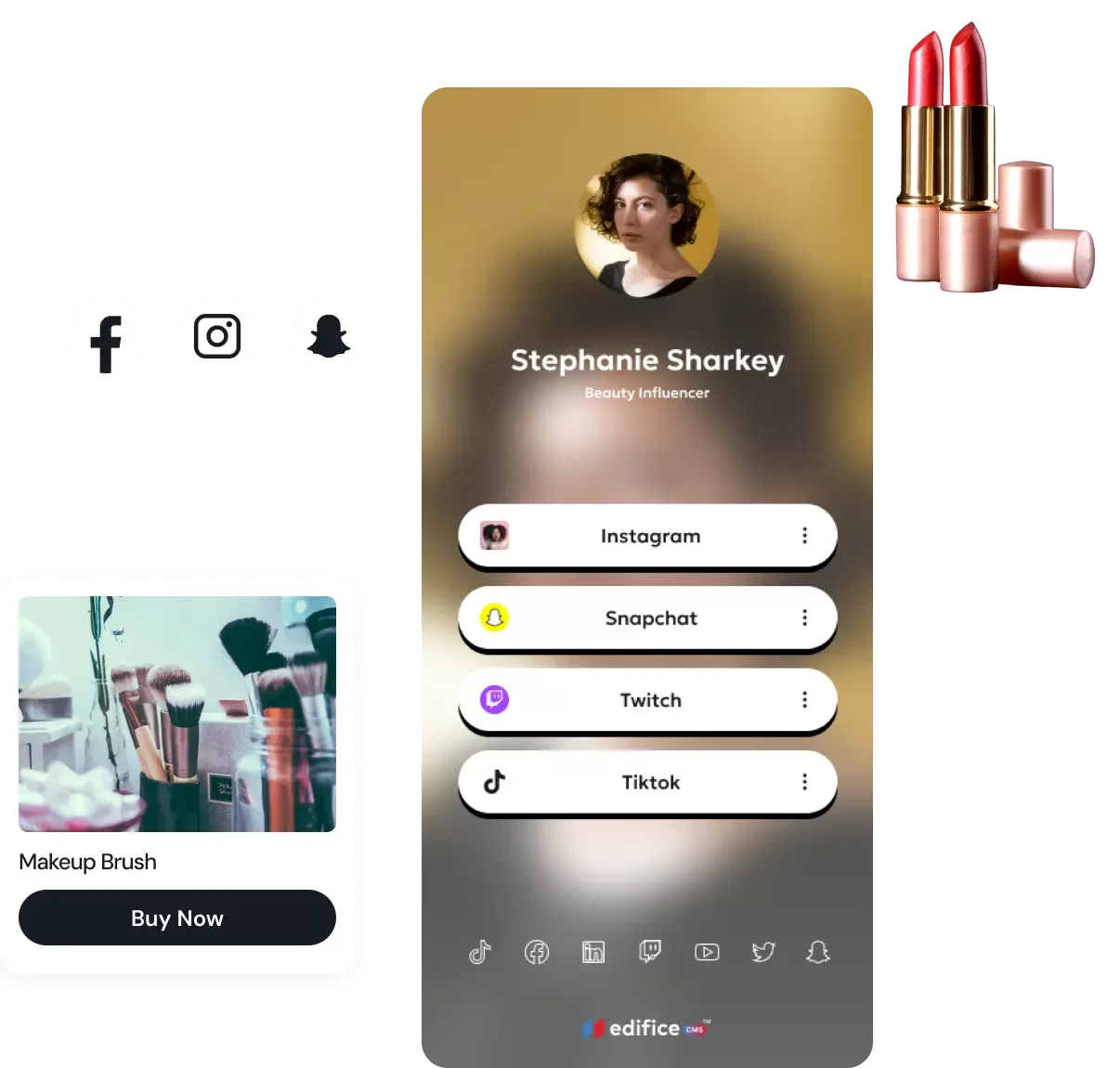
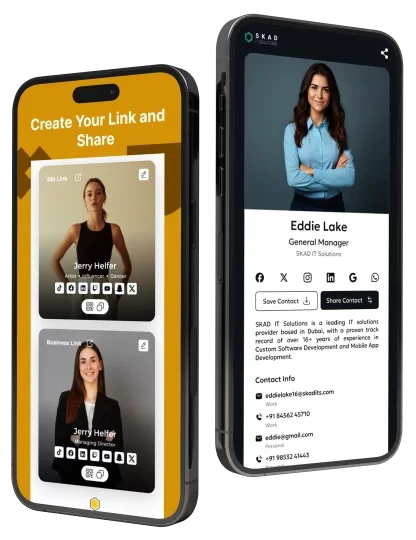
The revised page uses existing LinqHive profile/app imagery so visitors immediately understand what they are registering for.
How it works
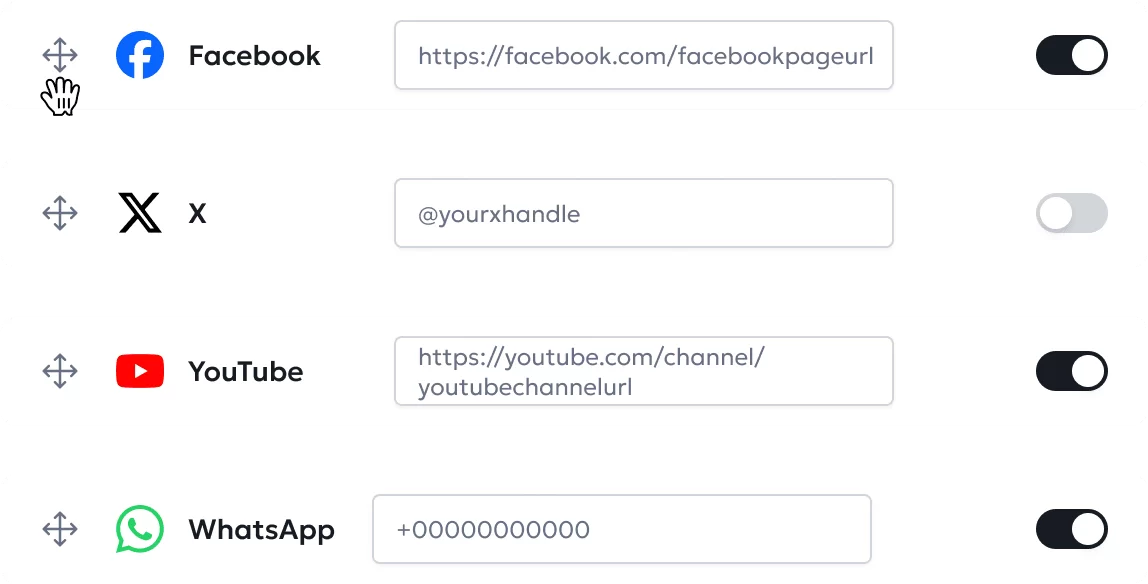
Add your photo/logo, headline, bio, services, social links, and contact details.
Link to samples, portfolios, certifications, reviews, documents, videos, projects, and offers.
Put your LinqHive URL in Instagram, TikTok, LinkedIn, email signatures, resumes, QR codes, and business cards.
Add your calendar or meeting link so interested visitors can schedule with you immediately.
100 registrations/day plan
To drive daily signups, the landing page must sell a concrete outcome: a better digital profile that helps users look credible and get opportunities.
Use “Create free profile” across hero, navigation, proof, and final CTA.
Show profile visuals above the fold and throughout the page.
Professionals, creators, businesses, and agencies each see themselves on the page.
Free, fast, no-code, one link, share anywhere, mobile app available.
Mobile-ready
Create, manage, and share your LinqHive from desktop or mobile. Keep your best links, samples, certifications, and booking path in your pocket.
Start free
Add your best links, proof, samples, certifications, and meeting link. Share one LinqHive everywhere.
Build a proof-driven profile, add your portfolio links, services, certifications, testimonials, social profiles, and booking link — then share one URL everywhere.
For professionals, creators, freelancers, and founders who want one trusted profile that proves their work.
For teams, agencies, and businesses that want every person to have a consistent, proof-backed profile.
LinqHive is priced at $3 per user per month for individual users. Team pricing is $2.50 per user per month.
FAQ
Answers for people deciding whether LinqHive is the right profile, proof-of-work, and link-in-bio platform for them.
LinqHive is a free profile and link-in-bio builder that helps you create one polished page for your work, capabilities, services, social links, certifications, portfolio samples, and booking link. Instead of sending people to many different places, you can share one LinqHive profile.
Yes. LinqHive lets you create and share a profile for free, making it easy to start building your online presence without paying before you know what you need.
No. LinqHive is built for non-technical users. You can create a professional profile, add links, showcase work samples, and update your page without writing code.
You can use your LinqHive link on Instagram, TikTok, LinkedIn, X, YouTube, resumes, business cards, email signatures, proposals, QR codes, and anywhere you want people to quickly understand who you are and what you can do.
Yes. LinqHive can help you understand how your profile and links perform so you can see what people click, which content gets attention, and what to improve.
Click Create free profile, sign up, add your photo or logo, write a short bio, add your best links, showcase samples or certifications, include a meeting link, and share your LinqHive URL.
LinqHive is a strong free link-in-bio option because it goes beyond basic links. Creators can showcase portfolio work, videos, products, collaborations, social profiles, and a booking or inquiry link from one clean profile.
You can customize your LinqHive profile with your branding, profile photo or logo, bio, link order, featured work, social links, service links, and calls to action so the page reflects your personal or business brand.
LinqHive is designed to work well for Instagram because it gives followers one clear place to view your work, offers, samples, social links, products, and booking link after they tap your bio URL.
Yes. LinqHive is a free Linktree alternative for people and businesses that want a more proof-driven profile with work samples, certifications, portfolio links, service links, and scheduling options.
Yes. Businesses can use LinqHive to share services, brochures, offers, testimonials, locations, contact details, social channels, case studies, and appointment booking from one shareable profile.
Yes. You can add portfolio links, sample projects, case studies, videos, documents, testimonials, client results, GitHub links, Behance or Dribbble work, YouTube demos, and other proof that shows your capabilities.
Yes. LinqHive is a good place to highlight certifications, licenses, awards, training, badges, memberships, or credentials that help people trust your expertise before they contact you.
Yes. Add your Calendly, booking page, contact form, phone link, or meeting link so visitors who like your work can schedule a conversation directly from your profile.
LinqHive is useful for creators, consultants, freelancers, job seekers, founders, local businesses, agencies, coaches, real estate professionals, educators, vendors, and anyone who needs one profile to prove what they can do.
LinqHive reduces friction. People can quickly see your work, proof, services, credentials, and next step in one place, which makes it easier for them to trust you, contact you, follow you, or book a meeting.